Documentation Index
Fetch the complete documentation index at: https://deepl-c950b784-voice-jobs-api.mintlify.app/llms.txt
Use this file to discover all available pages before exploring further.
Get started
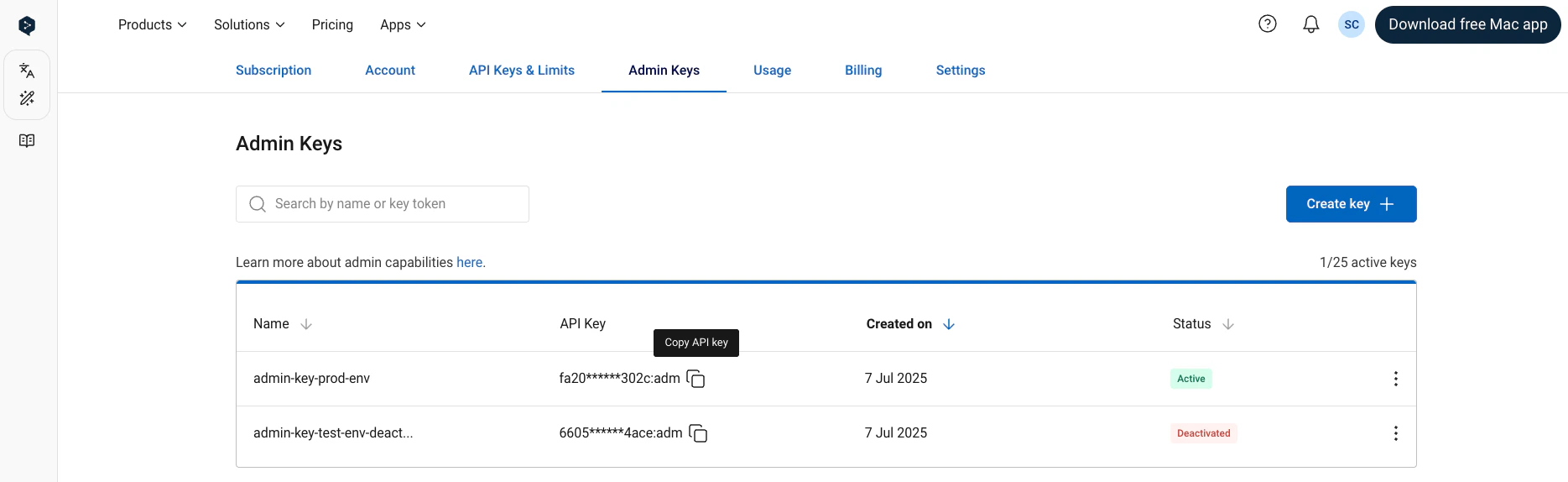
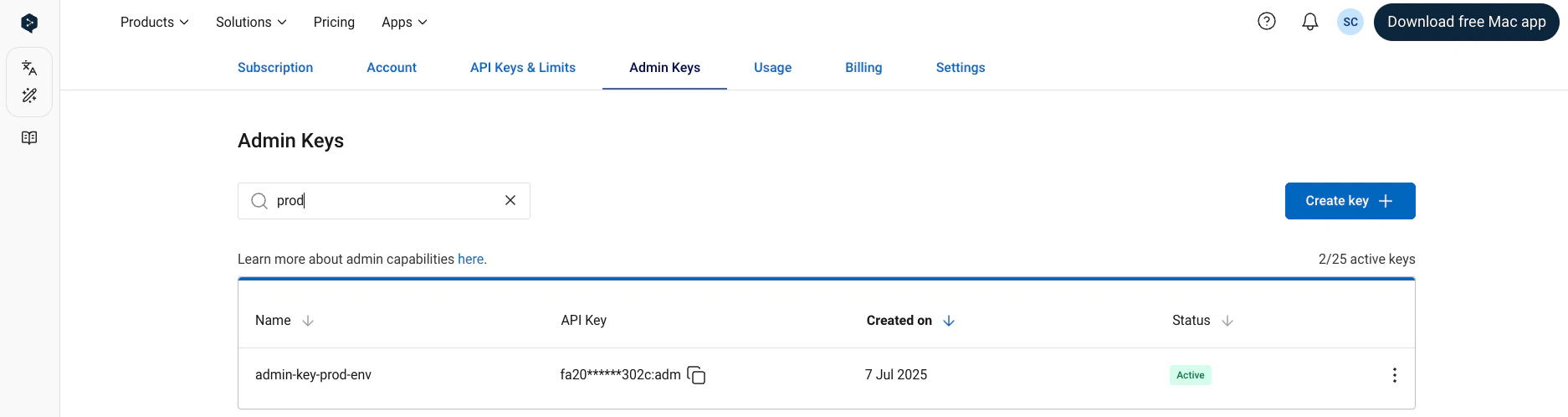
Once the Admin API access has been enabled for your account, you can find and manage your admin API keys in the “Admin Keys” tab when signed into your DeepL API account. It’s possible to have multiple, simultaneously active admin API keys in a single API subscription.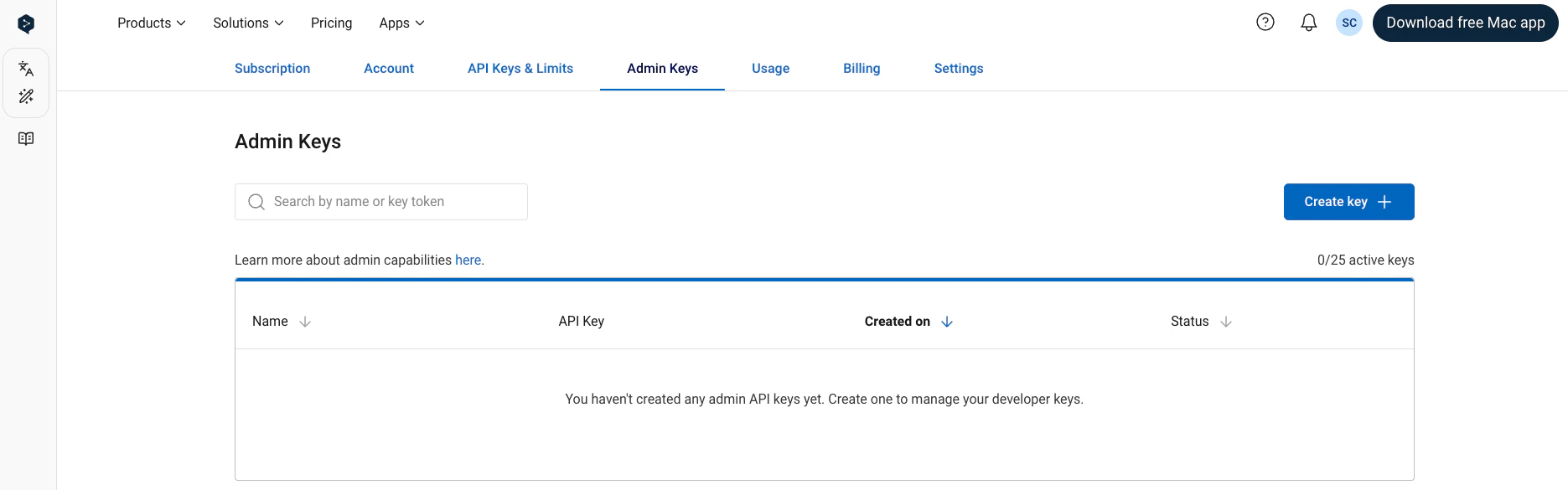
Create new key
Create a new admin API key by clicking on the “Create Key” button. You can optionally give an API key a custom name during the creation process. If you do not name the key, the name “DeepL Admin Key” will be given to the key automatically. You can create up to 25 simultaneously active admin API keys.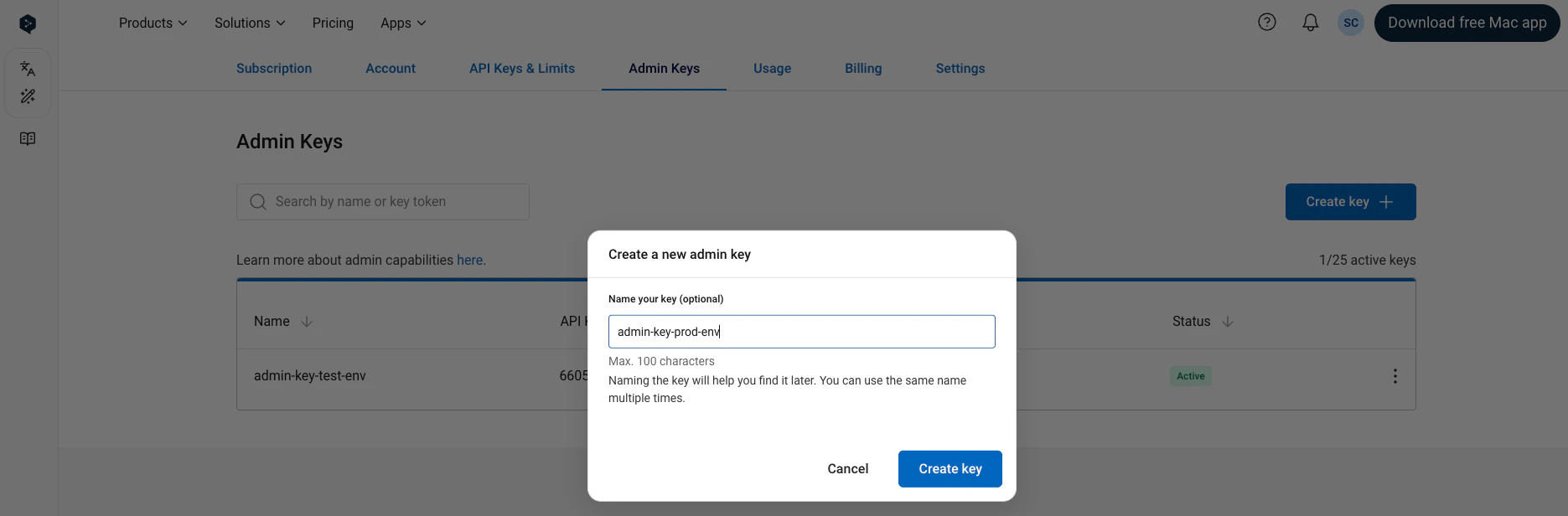
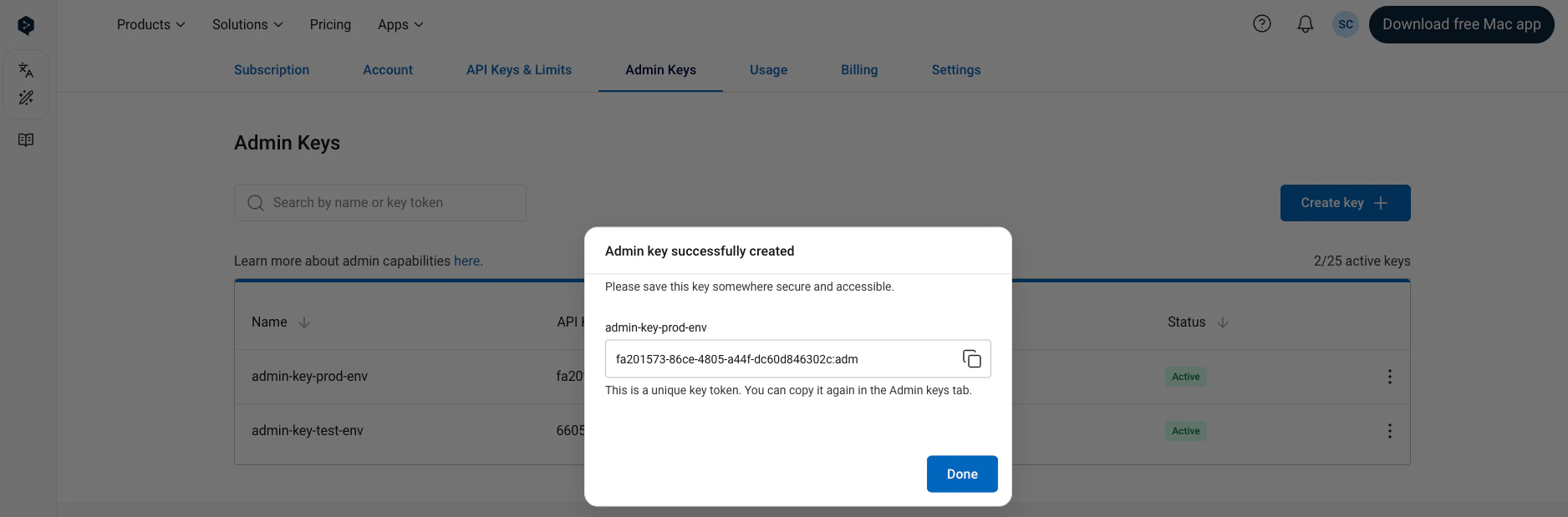
Deactivate key
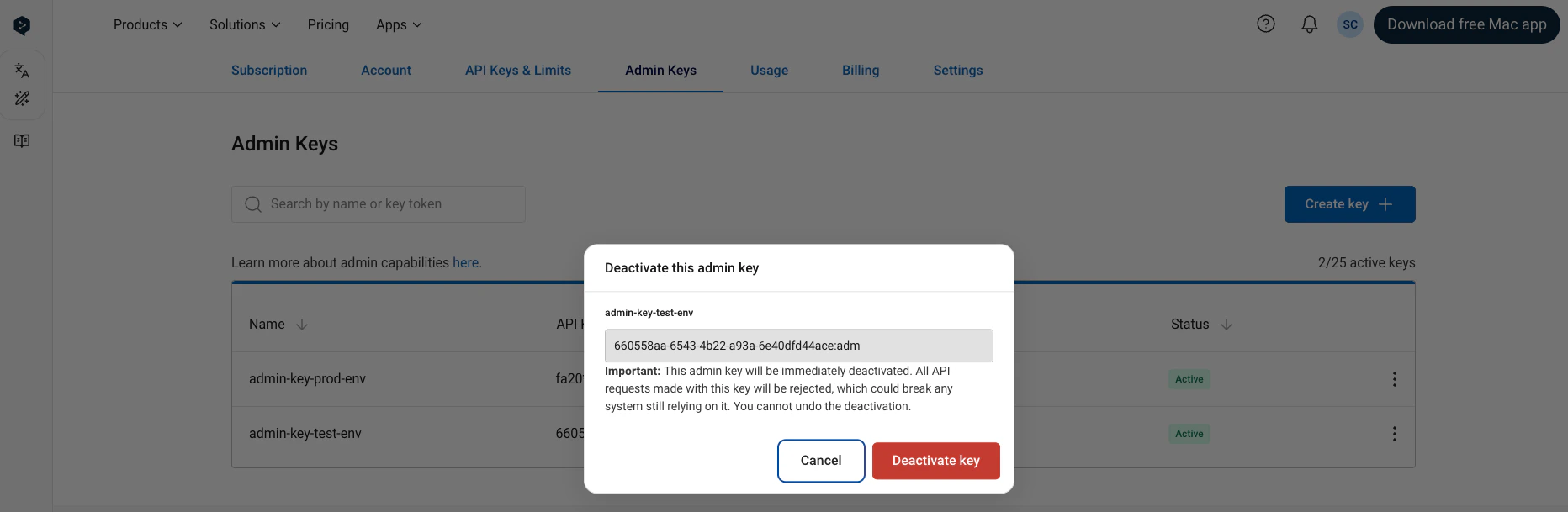
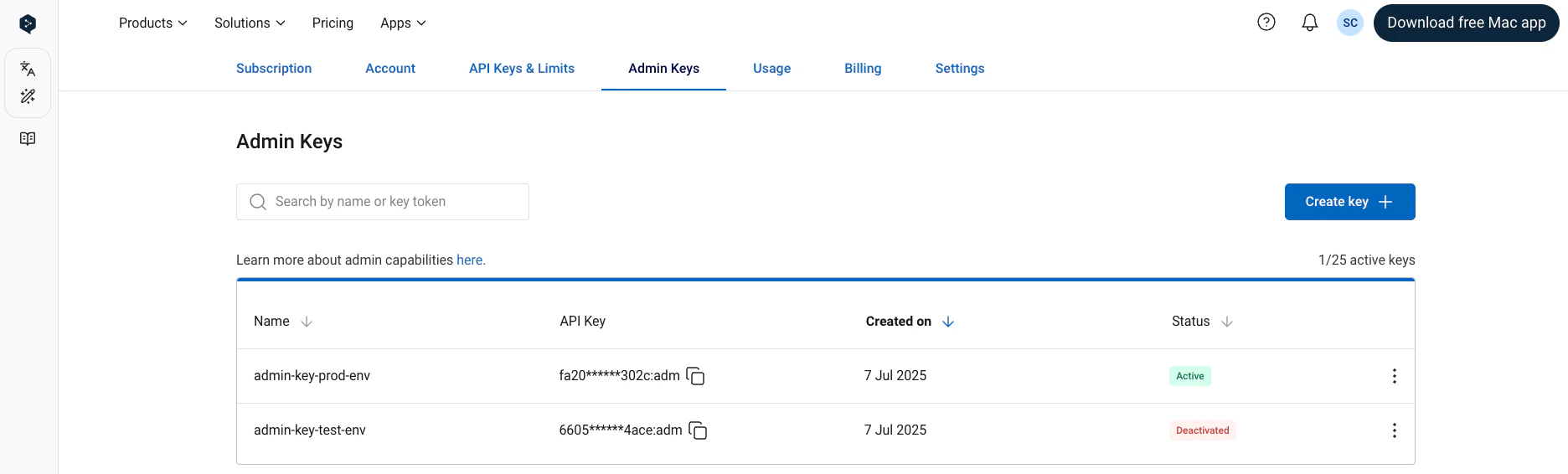
To deactivate an active admin API key: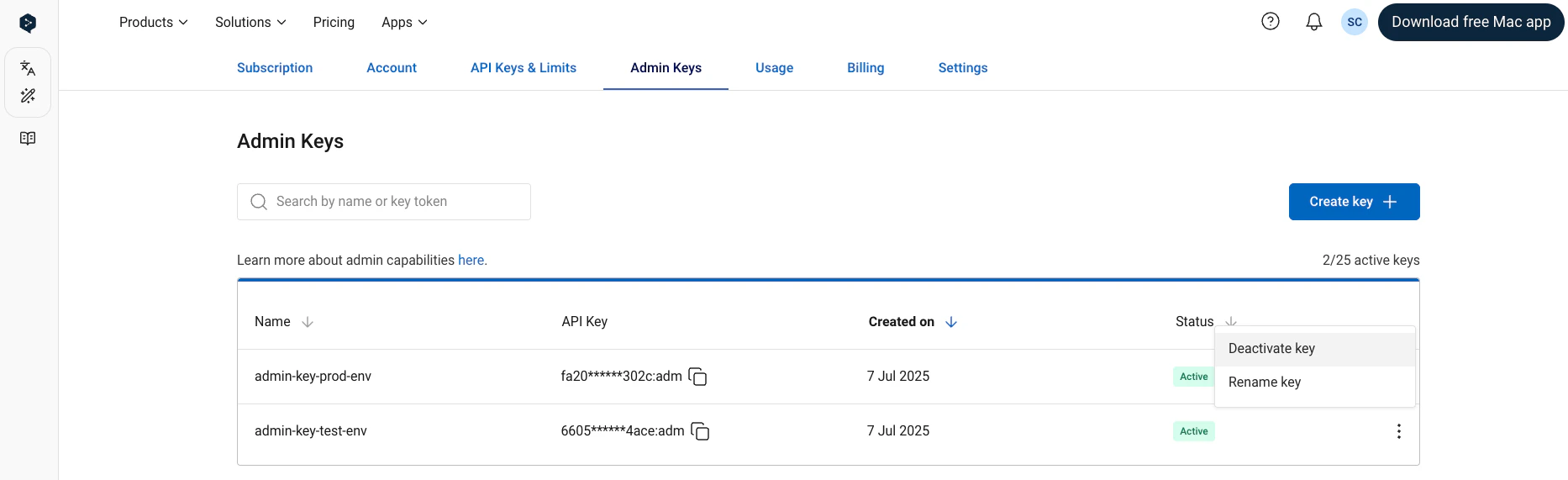
Rename key
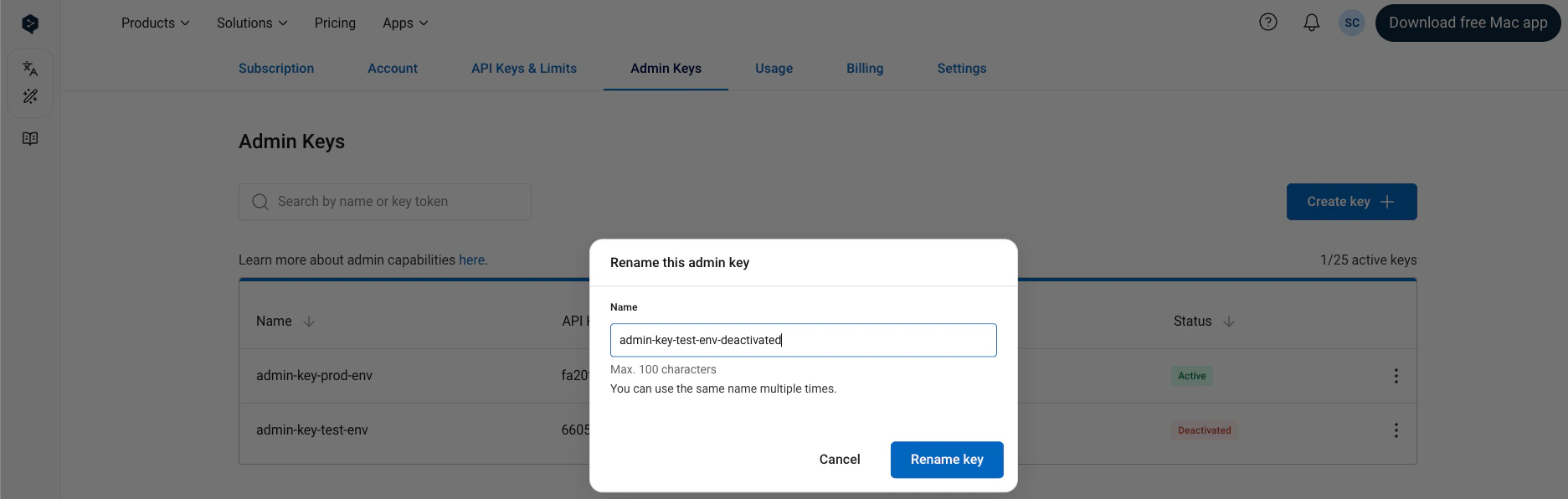
Allows you to edit the name of an API key. Note that it is possible for two keys to have the same name. Both active and deactivated keys can be renamed.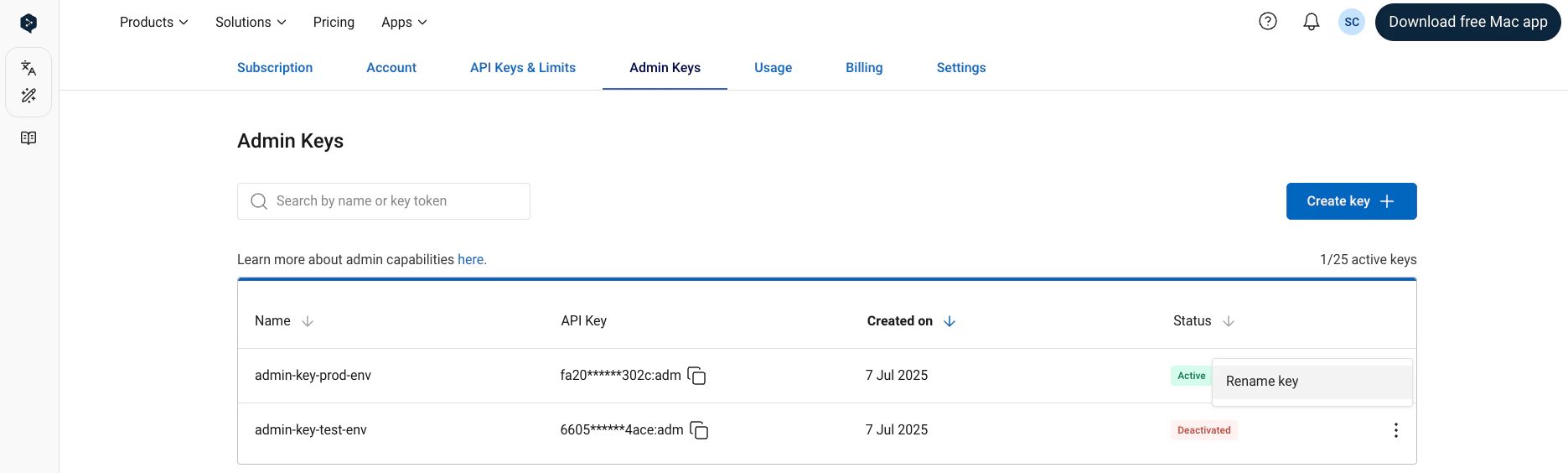
Copy key
To copy an admin API key to your clipboard click the “Copy” icon next to the key.